Bring the frame to life
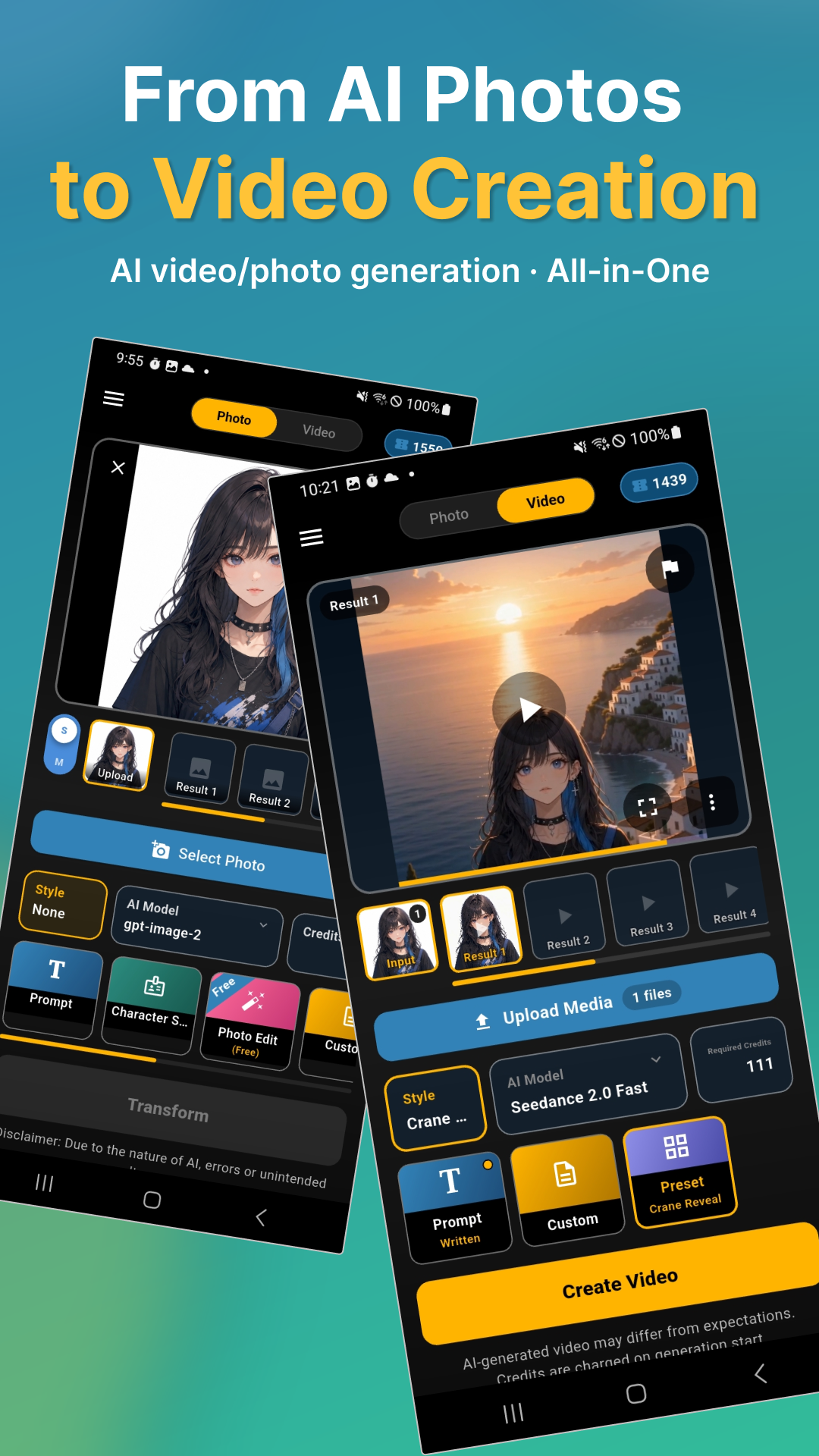
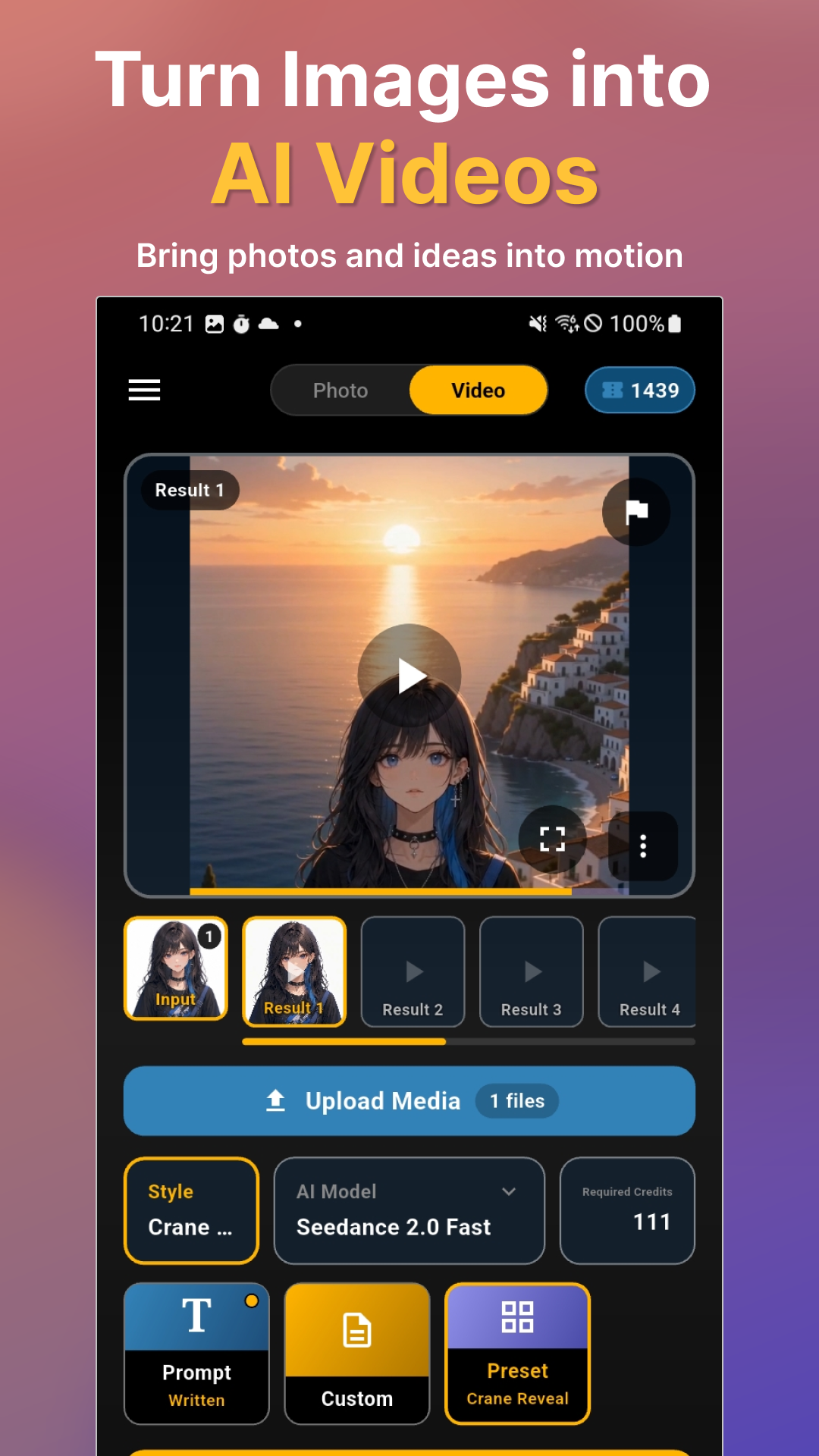
Create short AI videos from supported images, prompts, and reference media. Choose a model, adjust the settings, and save your creations in result slots for easy review.
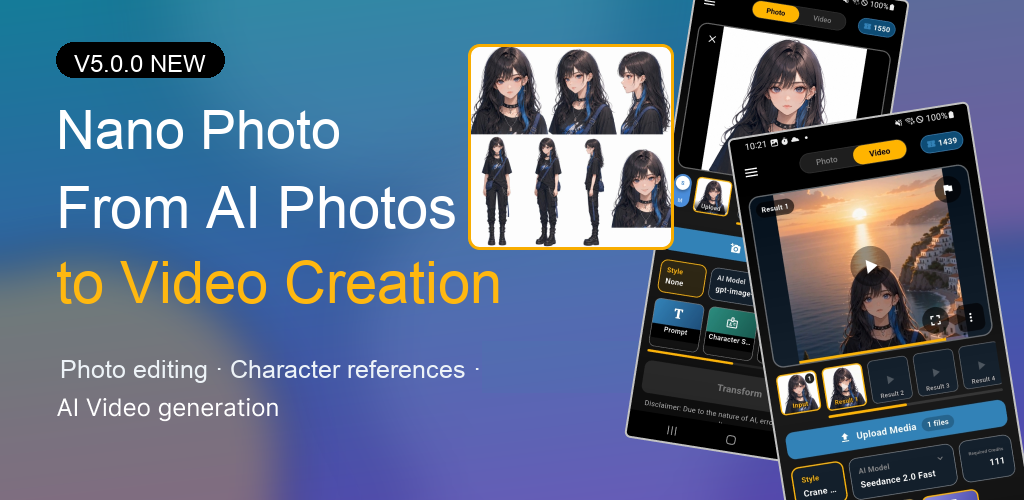
Shape a character, reimagine a frame, or set a still image in motion. Nano Photo now brings AI photo editing, character references, and AI video creation into one creative flow.
Made with Nano Photo
These short videos were created with Nano Photo. Press play to see character art, photography, and creative prompts move beyond a single frame.
AI-generated results vary by model, source media, prompt, and selected options.
New in version 5.0
Start with a photo or an idea. Refine the look, keep the character consistent, then explore what happens when the frame begins to move.
Create short AI videos from supported images, prompts, and reference media. Choose a model, adjust the settings, and save your creations in result slots for easy review.
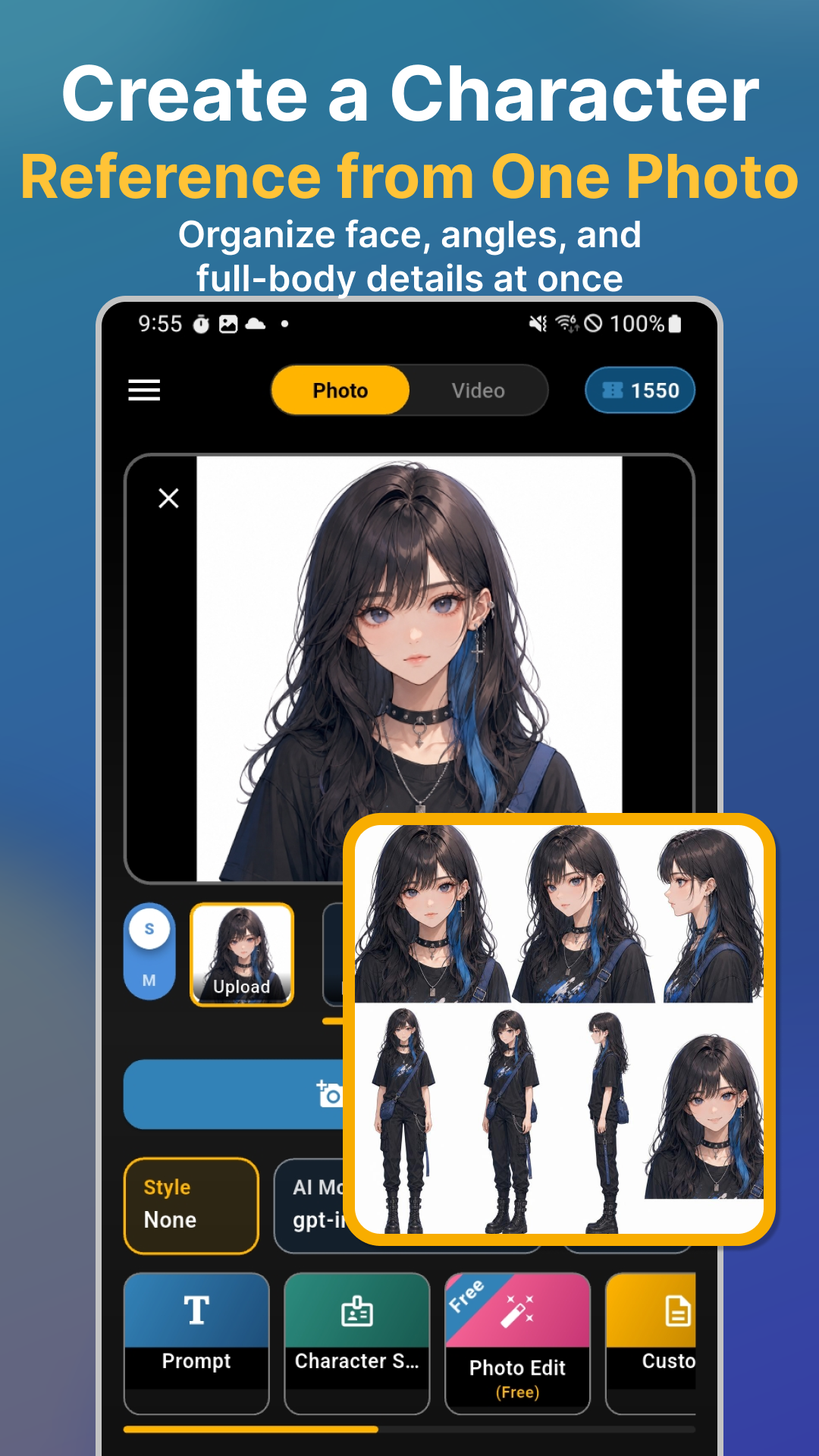
Turn one image into a Character Sheet with face, angle, expression, and body references for design work, visual storytelling, and video workflows.
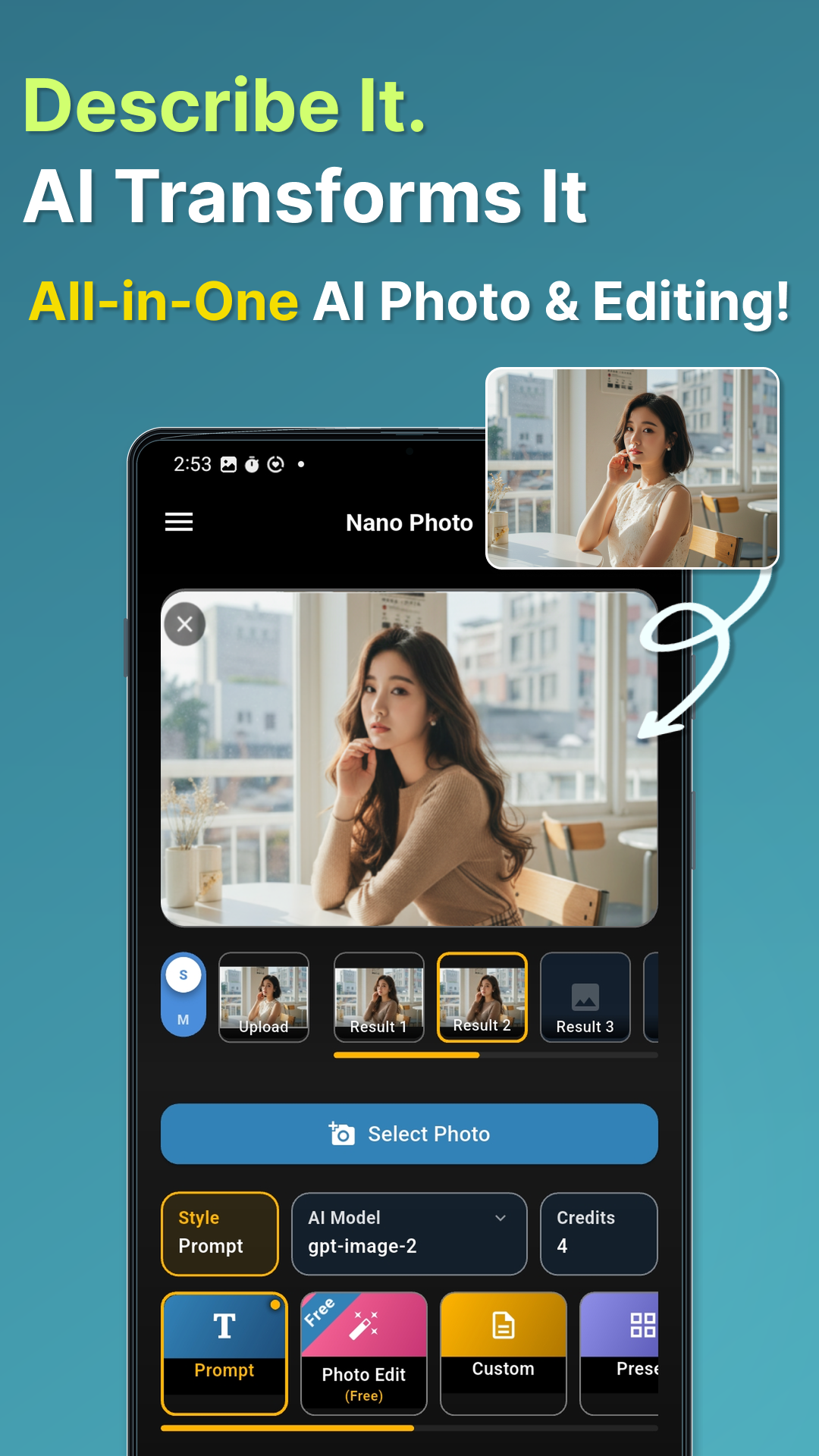
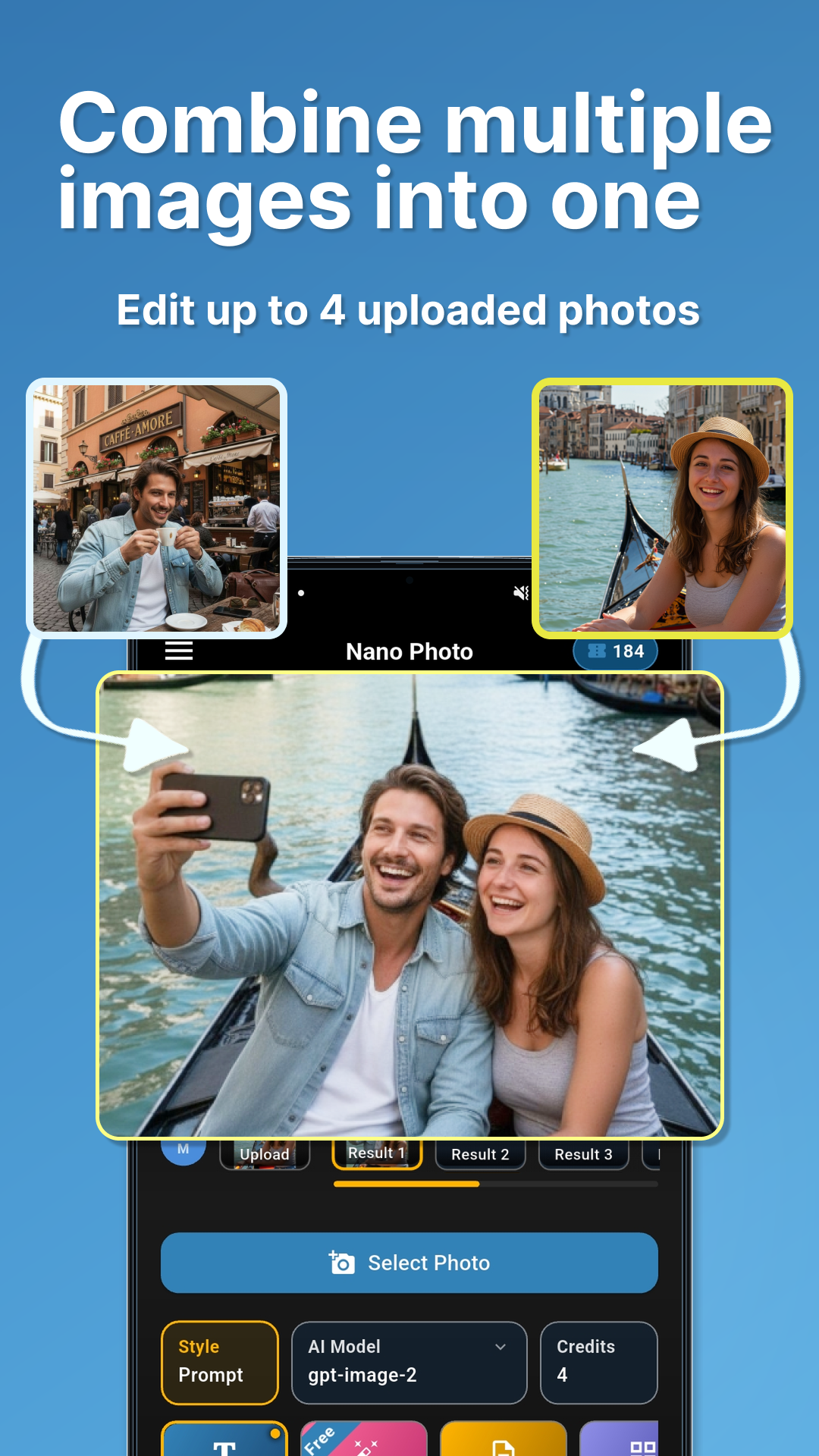
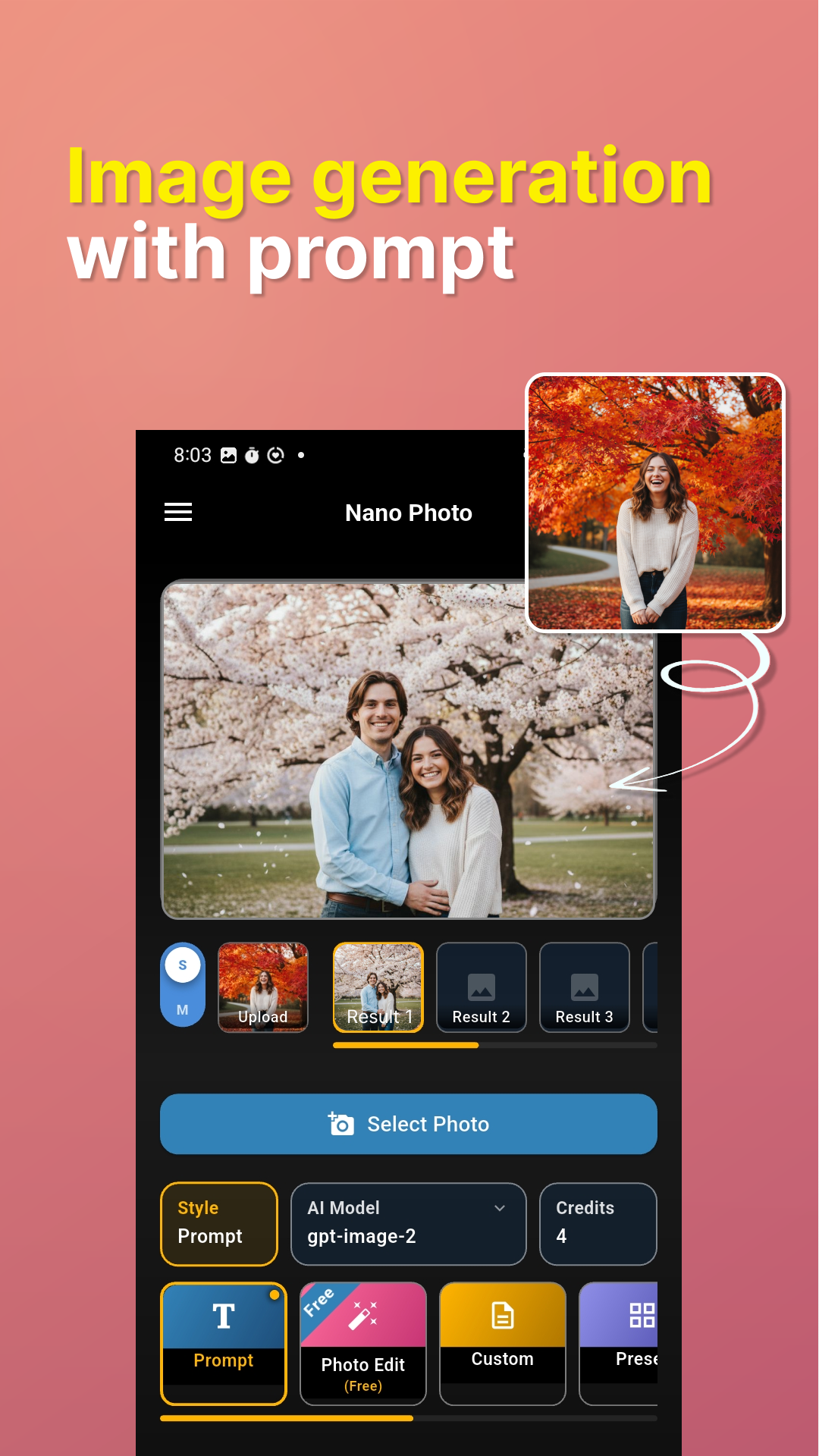
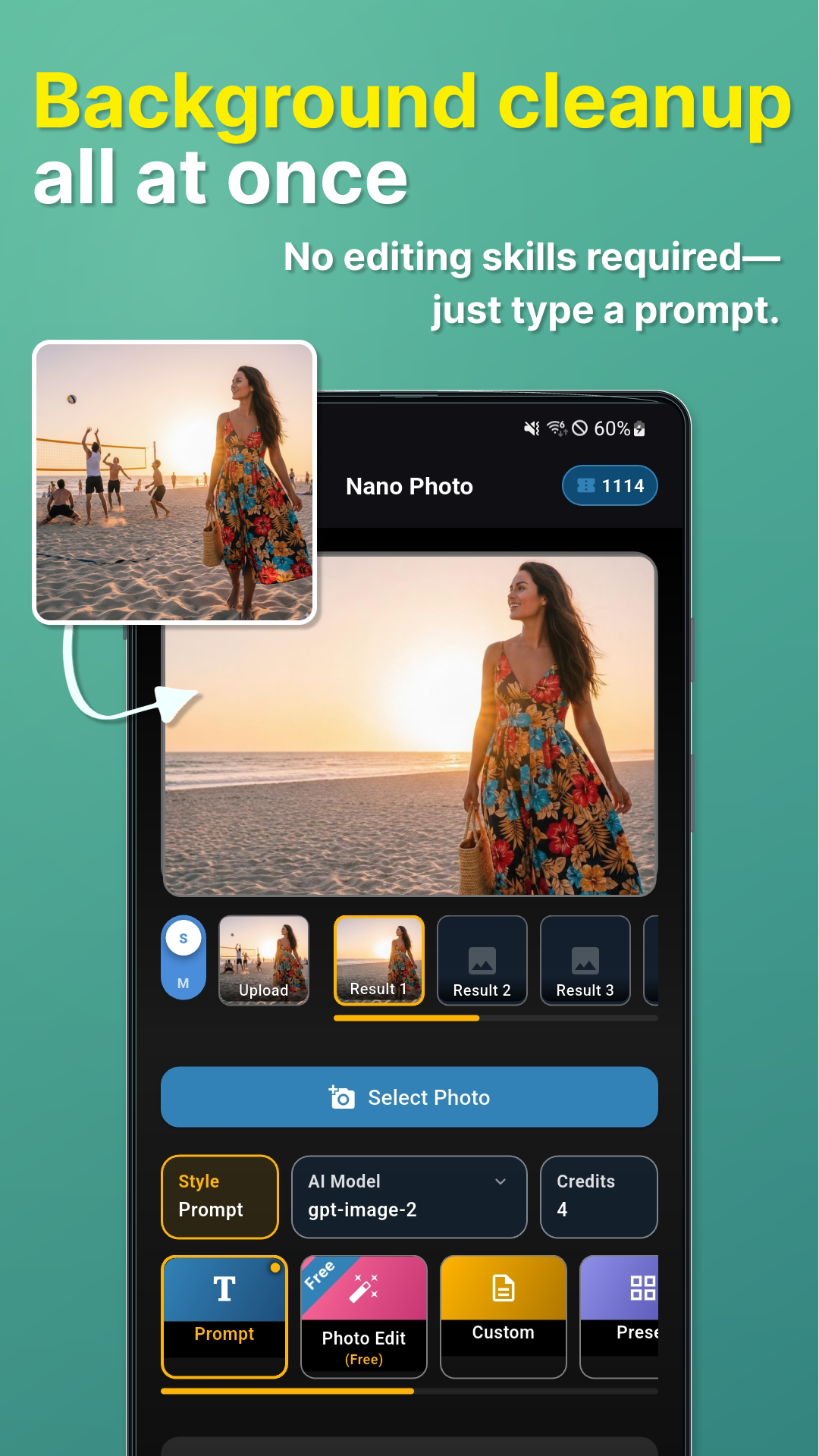
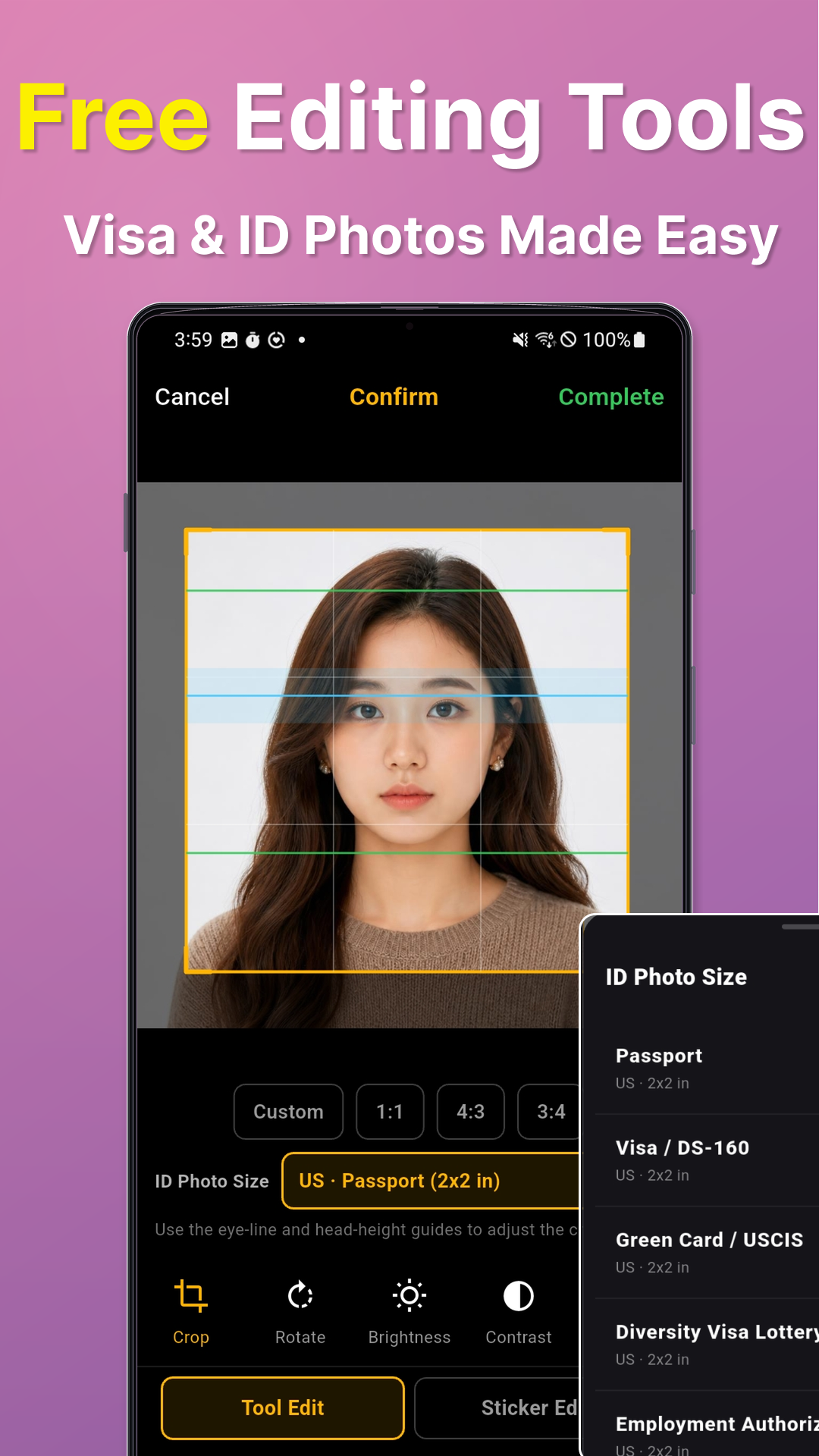
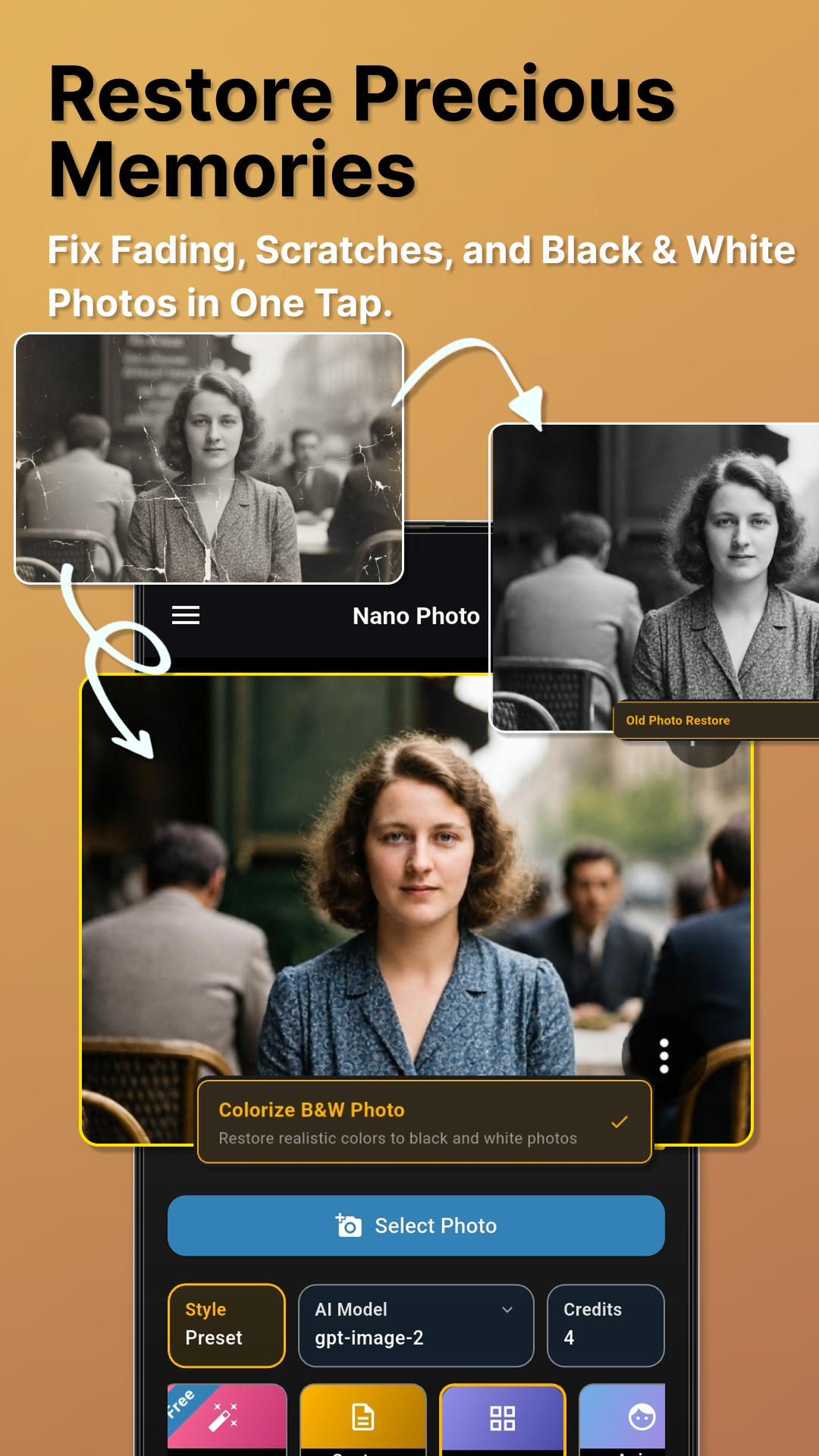
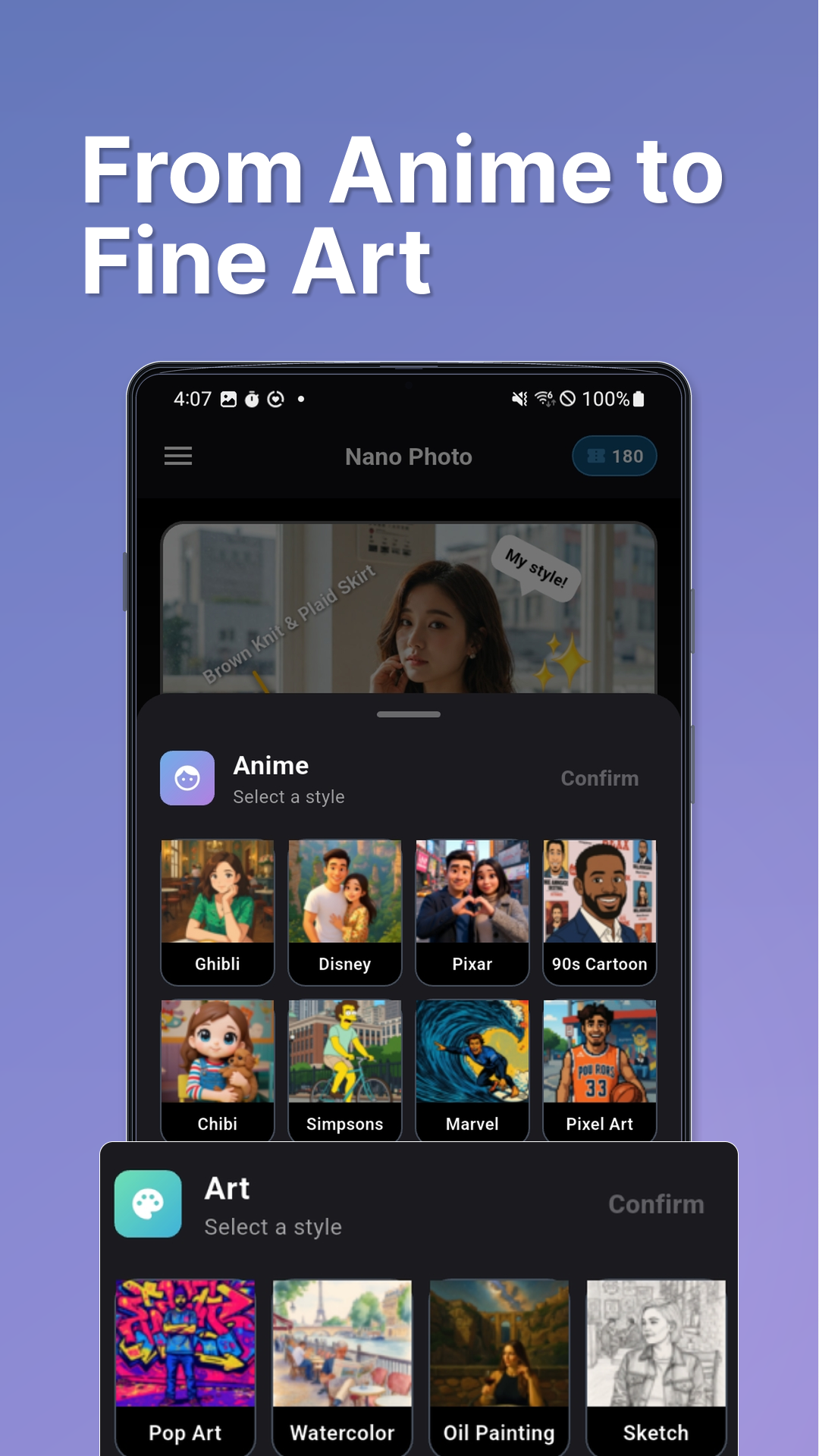
Edit with natural-language prompts, presets, restoration tools, art styles, and on-device tools. Save variations in result slots, compare them, and pick up where you left off.
Photo to video workflow
Nano Photo connects the steps that usually live in separate tools, so an idea can move from image editing to a consistent character reference and on to AI video.
Explore the app
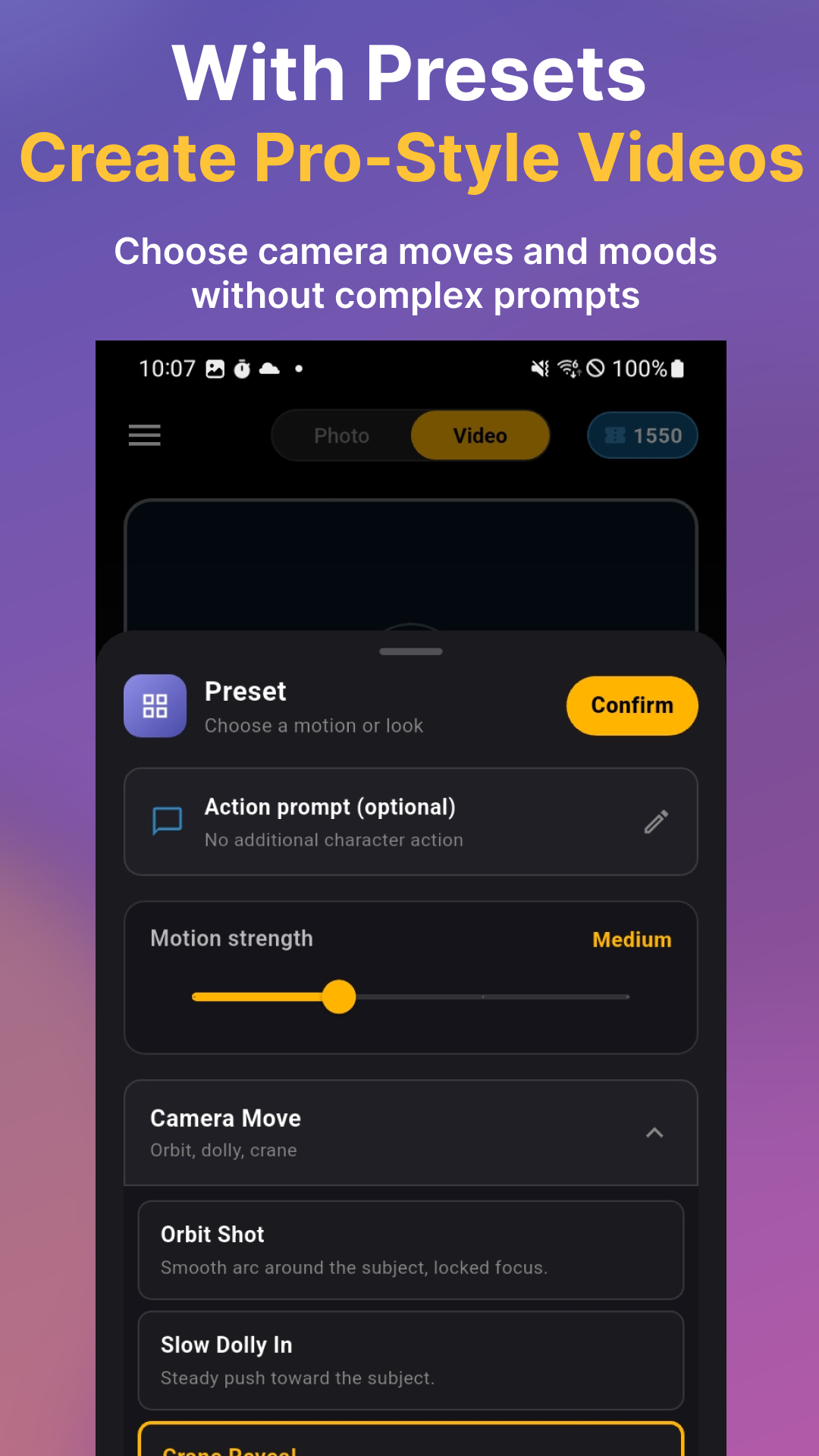
From quick portrait touch-ups to reusable character reference guides and short AI videos. Find the tools you need and return to your saved results whenever inspiration strikes.
Available now
Download Nano Photo 5.0 and take an idea from a still image to a character reference or AI-generated video.